top of page


Advanced MS Excel Course – Boost Your Career with Data Analytics
Join our 16-hour live instructor-led online course and learn data analytics, dashboards, and automation using Microsoft Excel. Perfect for students, professionals & entrepreneurs

16 Hours Live Training
Certificate on Completion
Dashboard & Report Projects
Just ₹2000 – Limited Seats

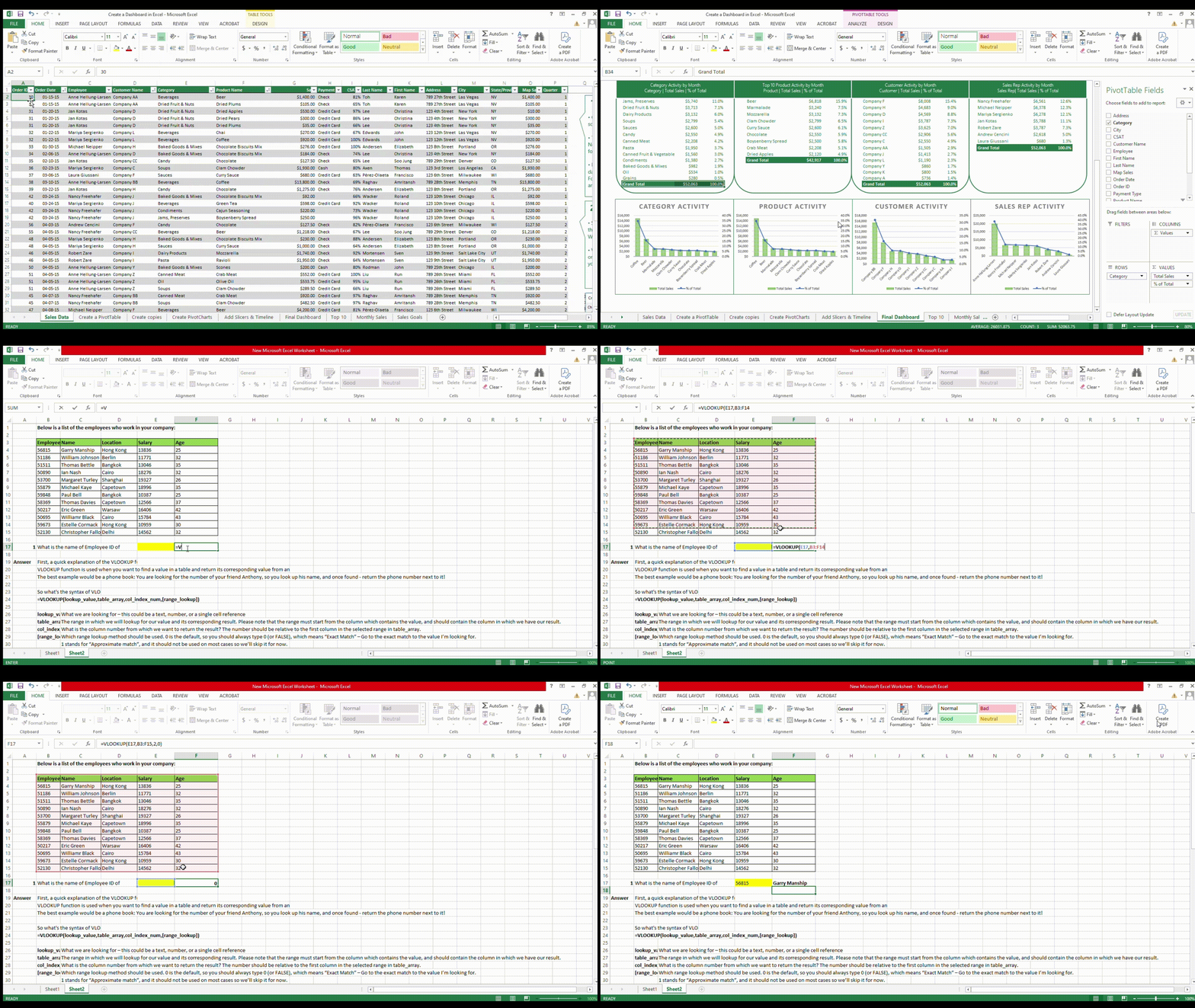
What Makes This Course Special?
Ab Excel sirf formulas tak nahi – banaiye dashboards aur analyze kijiye big data!

Live Instructor-Led Training
Learn directly from industry experts in live interactive sessions.

Big Data Handling
Learn to clean, analyze & visualize large complex datasets.

Certificate Upon Completion
Receive a professional certificate to boost your resume and career profile.
Who Should Join This Course?
Learn practical Excel skills for roles like MIS Executive, Analyst, and Admin.

Students & Job Seekers

Anyone Looking to Upgrade Excel Skills
If you already know basics, this course will take you to the next level.

Working Professionals (HR, Finance, Ops)
Improve reporting, automate tasks, and handle large data confidently.

Entrepreneurs & Small Business Owners
Understand your data better and make smarter decisions with Excel.

Freelancers & Data Enthusiasts
Offer Excel-based services like dashboards, reports, and automation.
What Will You Learn?
Master real-world Excel skills with hands-on projects and practical training.
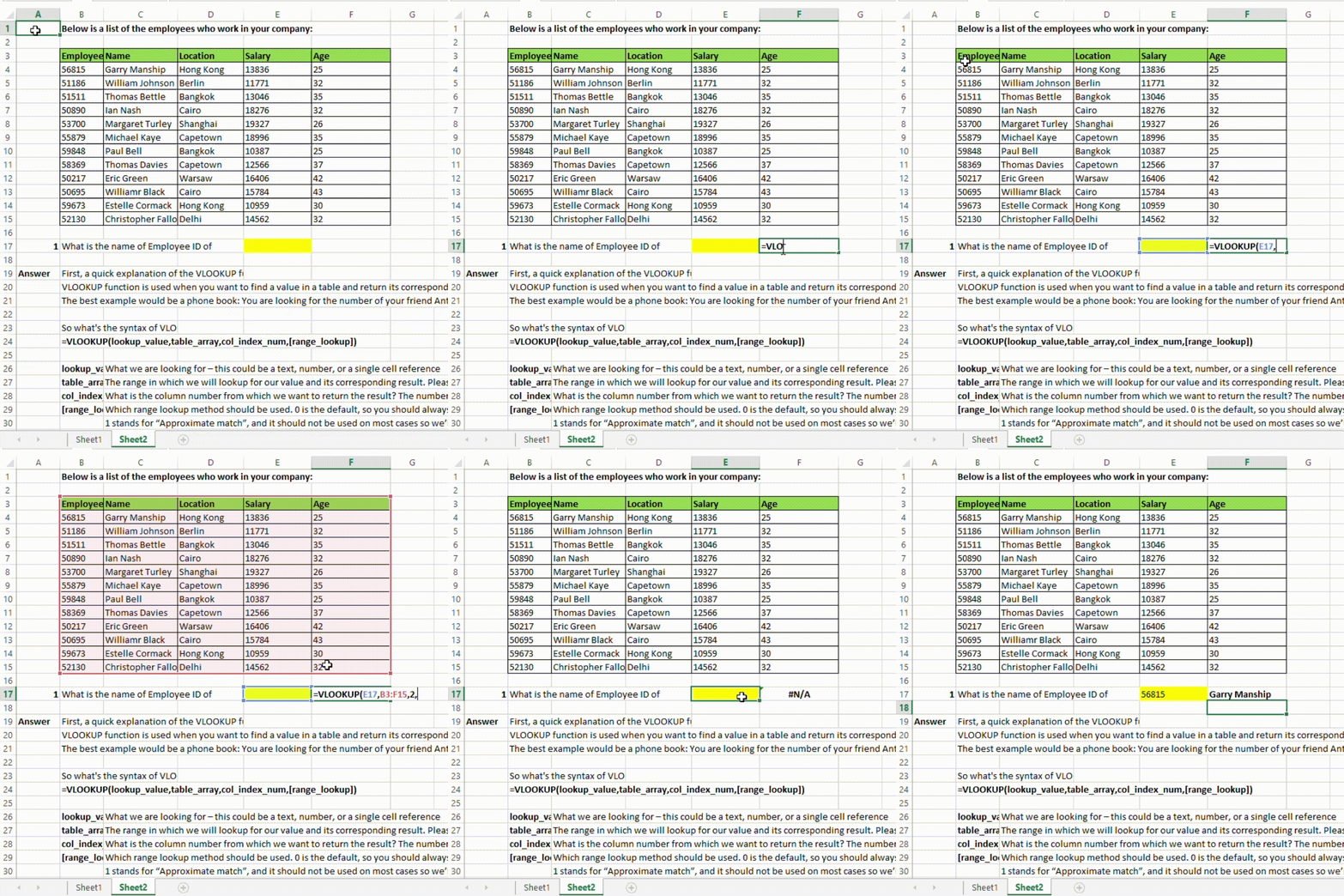
Formula Mastery
Build a strong foundation with Excel’s most powerful formulas.
Advanced Excel Formulas
VLOOKUP, XLOOKUP, INDEX-MATCH, IF, IFS & nested formulas
Clean, validate & prepare messy data for analysis
Data Cleaning Techniques


Data Analysis & Summarization
Learn to analyze, filter, and summarize big data efficiently.
Pivot Tables & Slicers
Summarize complex data dynamically
Power Query Basics
Automate data import, cleaning & shaping

Dashboards & Visualization
Turn data into insights using charts and dashboards.
Interactive Dashboards
Create smart dashboards with KPIs, filters, & visuals
Charting & Data Visualization
Use combo charts, sparklines & conditional formatting

Automation & Final Project
Apply everything with hands-on tasks and automation.
Basic Excel Automation (Macros)
Record and reuse automated workflows
Build a live business dashboard with real data
Final Project
You’ve seen what you’ll learn – now it’s your turn to start.
Begin your Excel journey with us. Click below to join the live batch!
Get Certified After Completion

Get a Professional Certificate after successful course completion.

Show proof of your Excel skills on LinkedIn, resume, or job interviews.

Your certificate will include your name, course title, instructor signature, and completion date.

Complete the course and earn your certificate – start now!
Turn your learning into recognition. Register below!
Frequently asked questions
bottom of page